Projects:Most of these activities take 3-6 periods of class-time to complete. They are a culmination of everything I have done with Mindstorms in the classroom over the past 20 years! You can use these for FREE
Drag racer Wall bouncer Sumo Wrestling Robot (Coded) Sumo Wrestling Robot (Remote controlled) Obstacle Course Table-top Walker Cup toppler Table Top Racer Line Follower Catapult into bin Catapult basketball ring Vending Machine Dancing Robot Ball Skirmish Pinball Machines Maze Runner RC Maze Runner Programmed Jousting Robot Tug of War Robot Strongest crane Plank Battles Robot Soccer RC & Coded Balloon Battles |
Tips: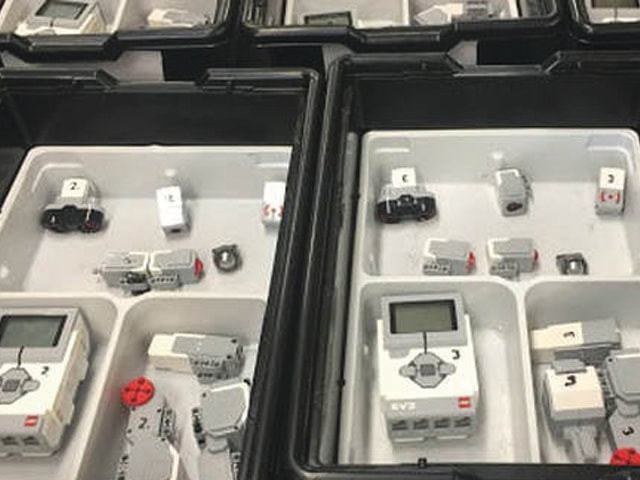
Whether you are just starting out, or you're an experienced Lego Mindstorm's teacher, take a look at my classroom tips.
Score Sheets: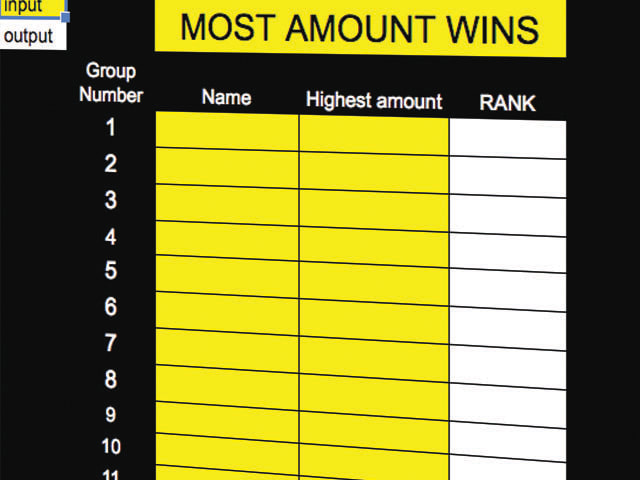
I've found that students are most motivated when there is a level of competition in the room. To keep students engaged, try using some of my score sheets during projects.
|